Workflows
We strive to provide workflows that mean you do fewer AI editing passes and maintain accuracy and quality in your work. Some jobs are hard to do without them. Here are two good examples:
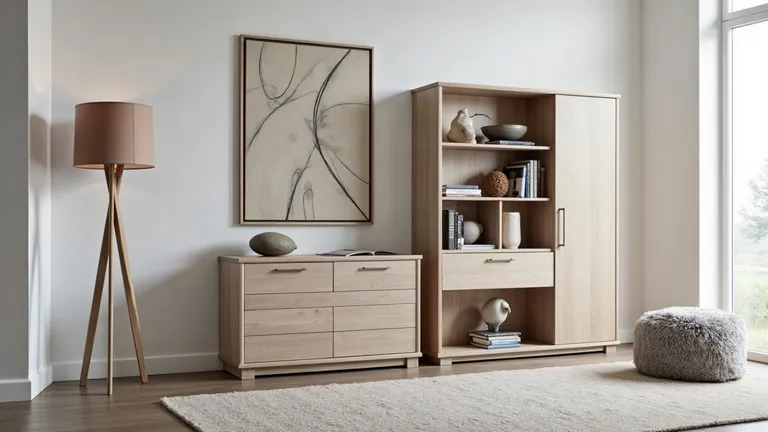
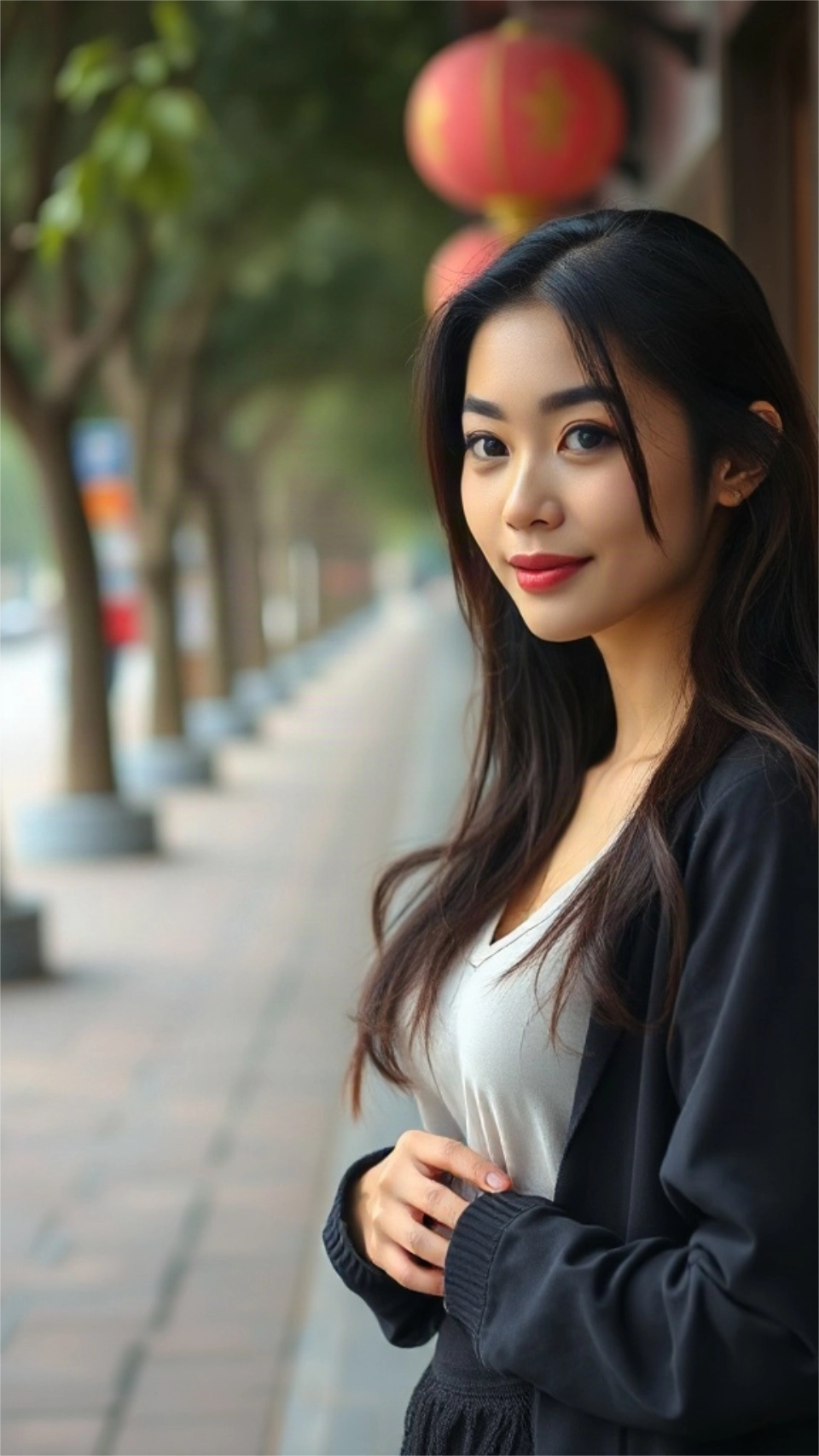
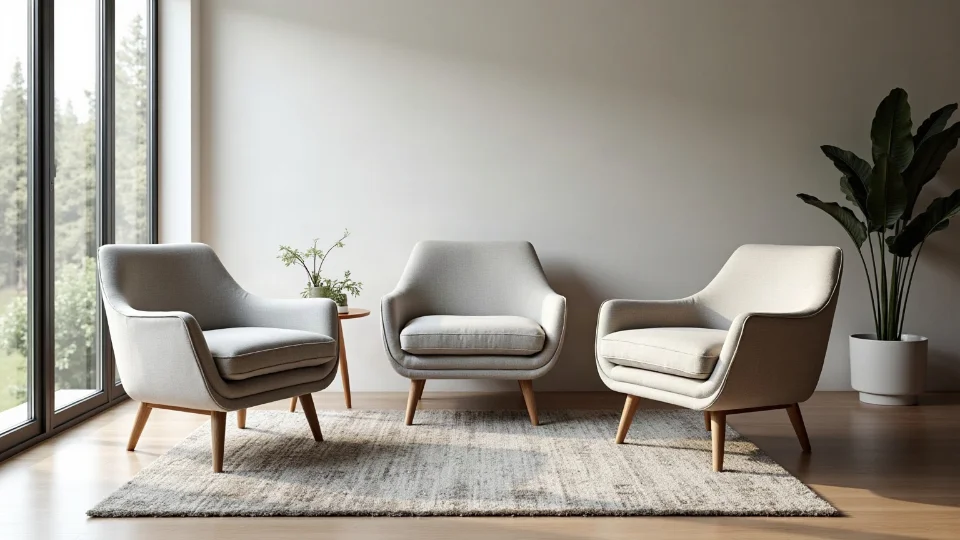
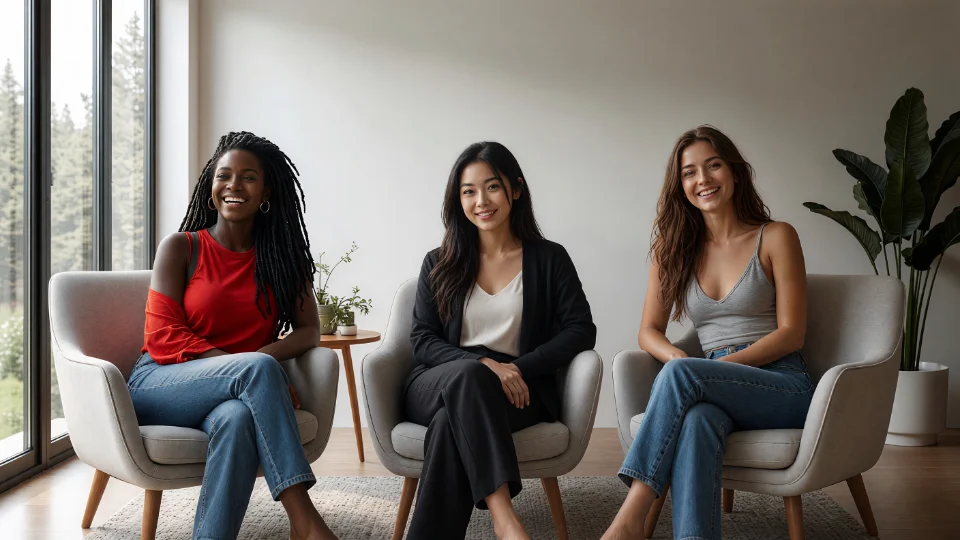
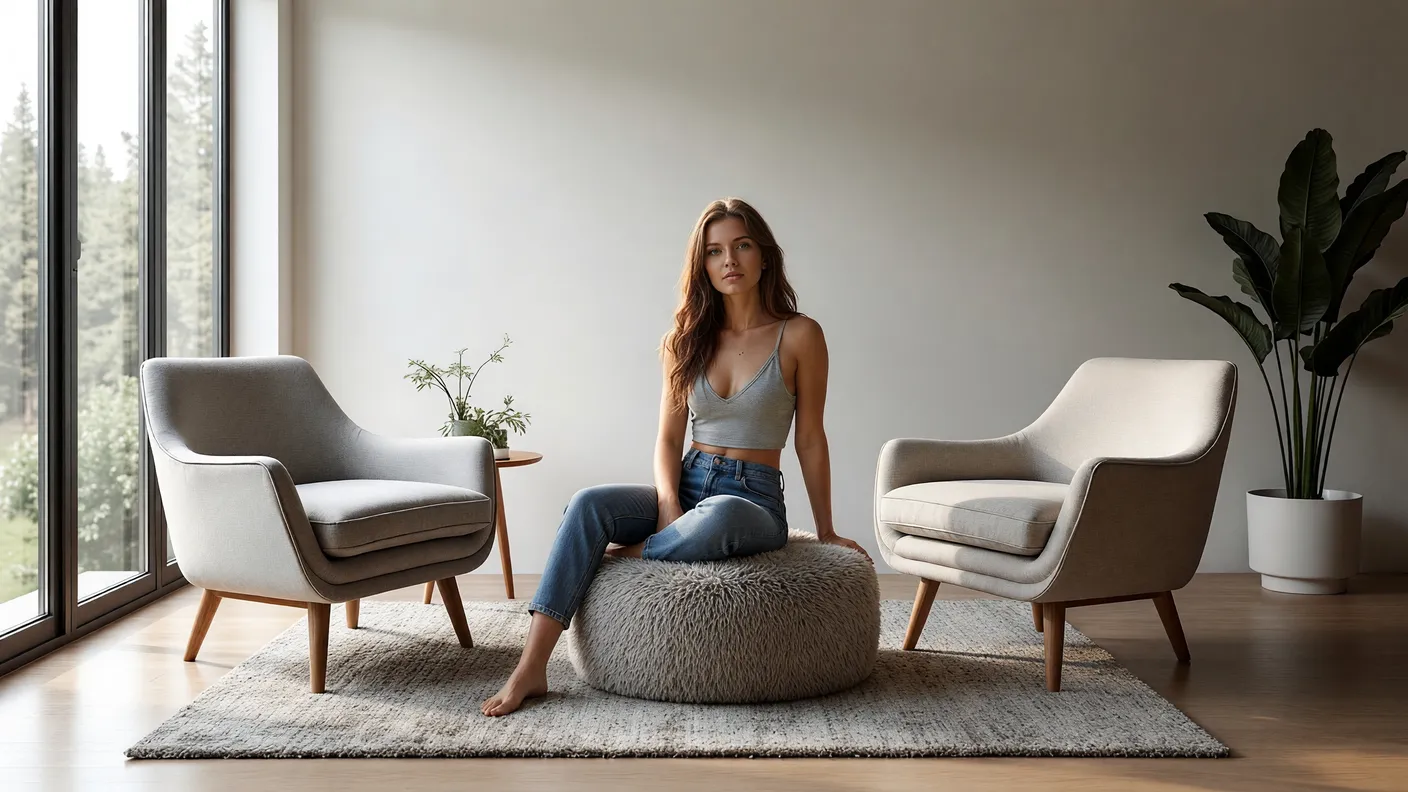
Group scene
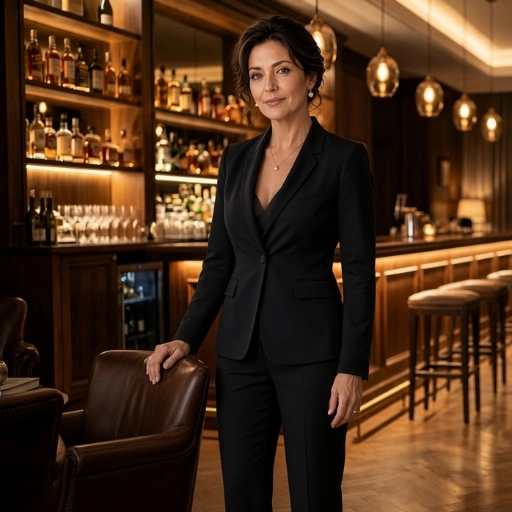
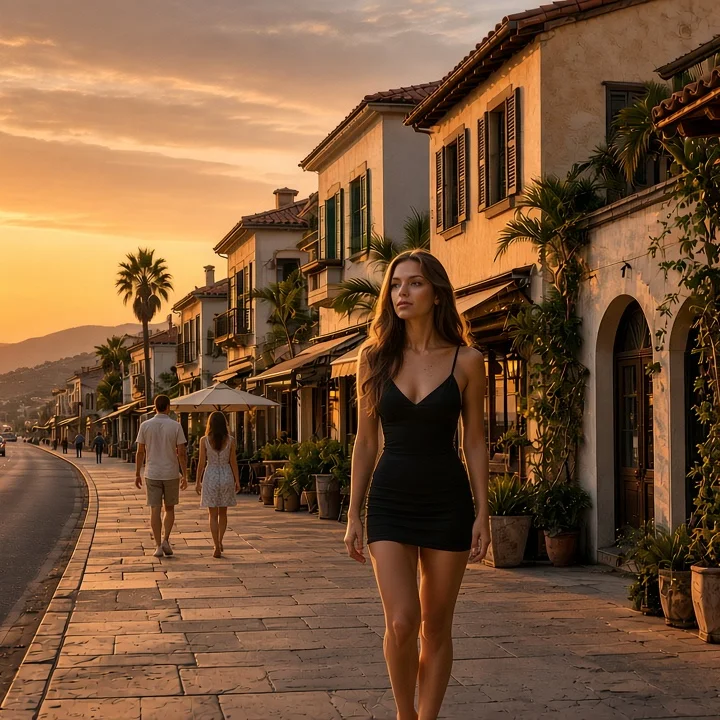
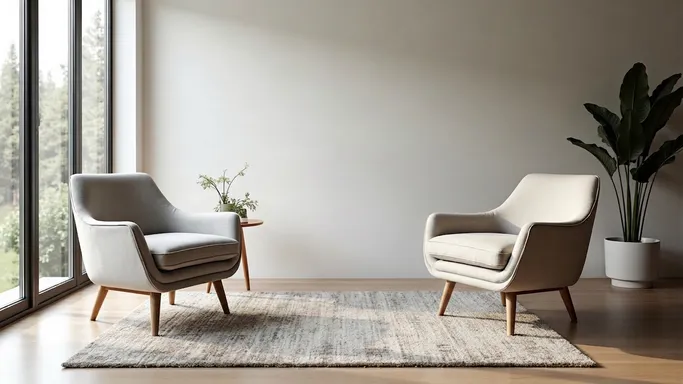
3 characters → 1 scene
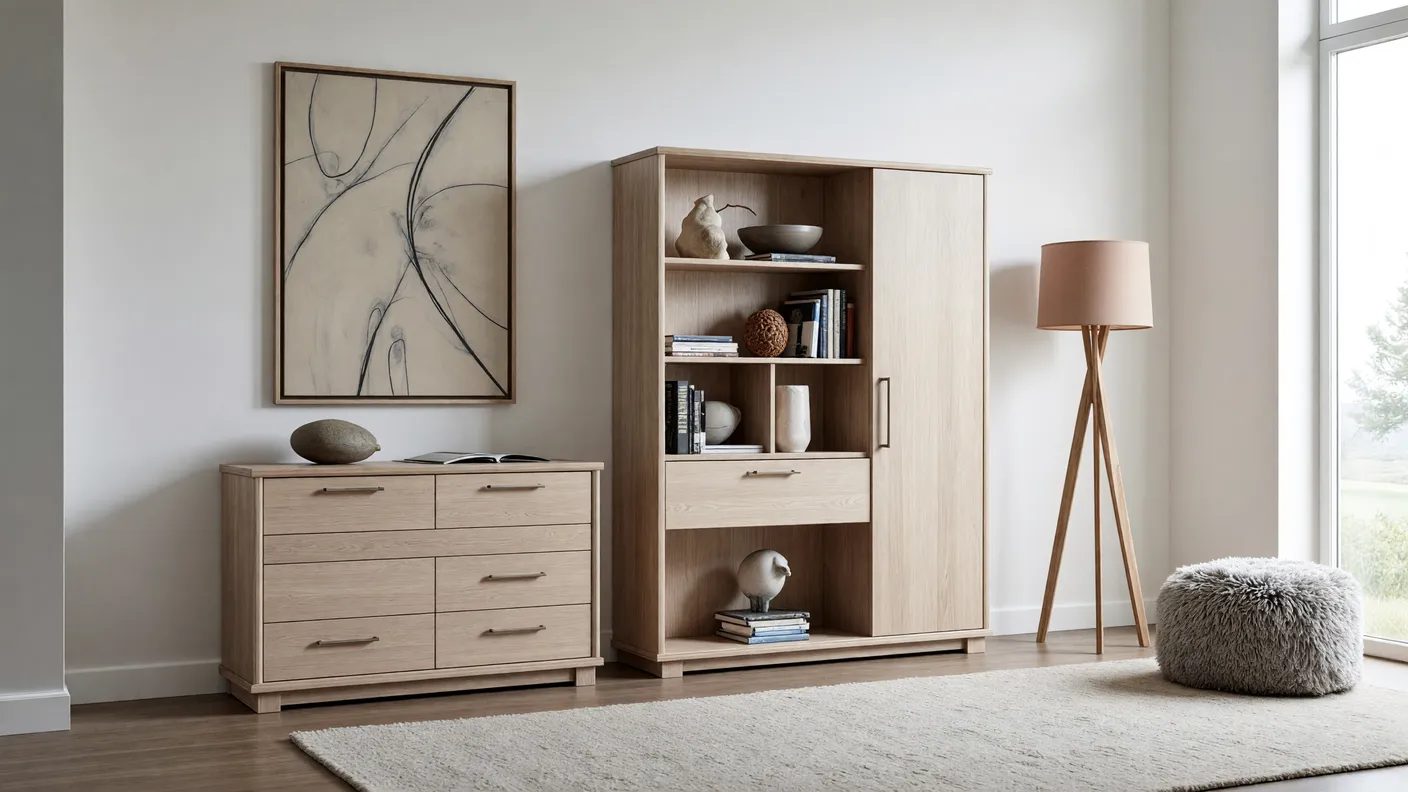
5Seat all three characters in the chairs in the scene, facing camera, matched for light and scale.
Result
Multiple angles
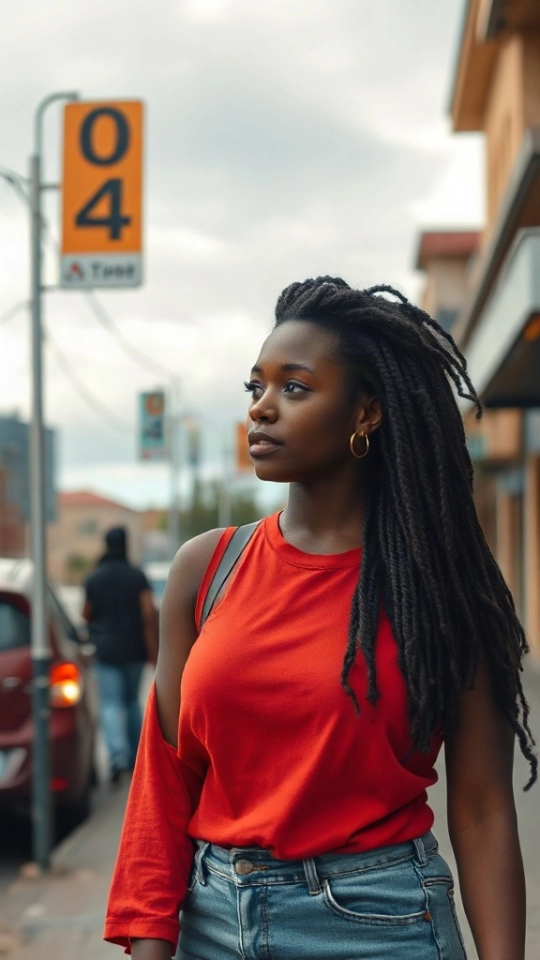
1 image → new camera
Orbit the camera around a still — the camera is the input, not a prompt.
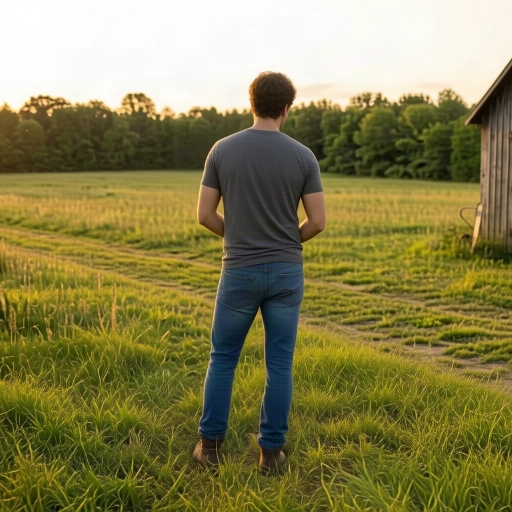
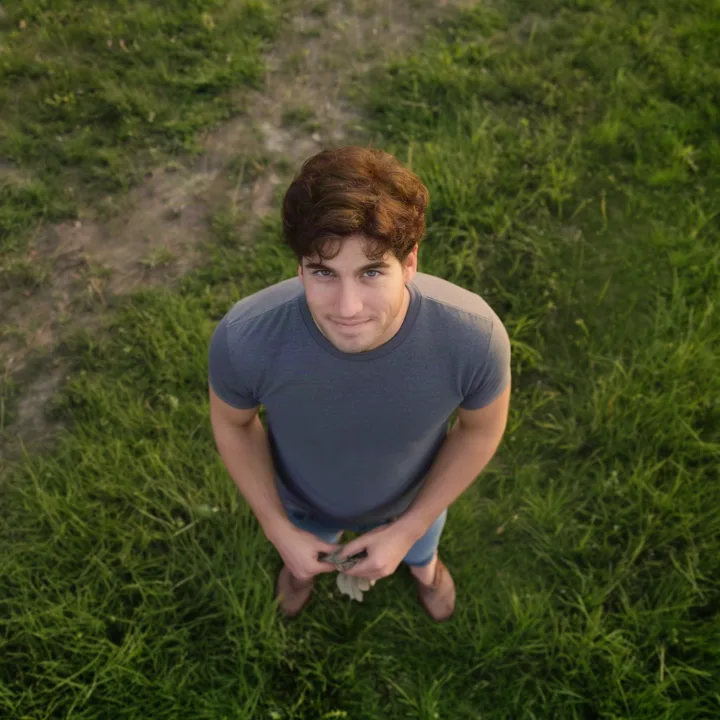
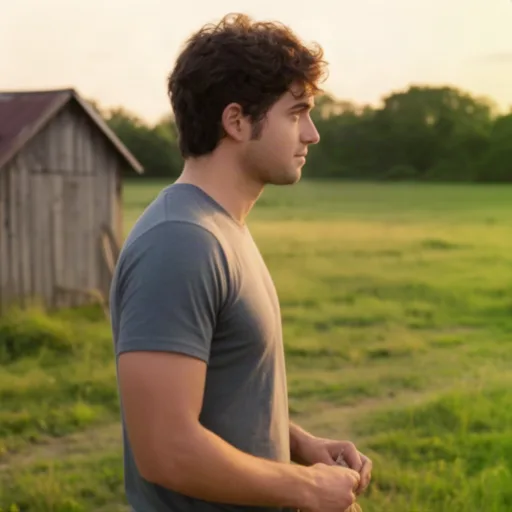
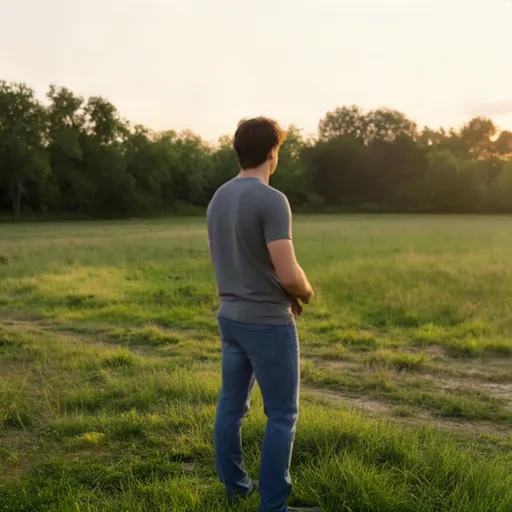
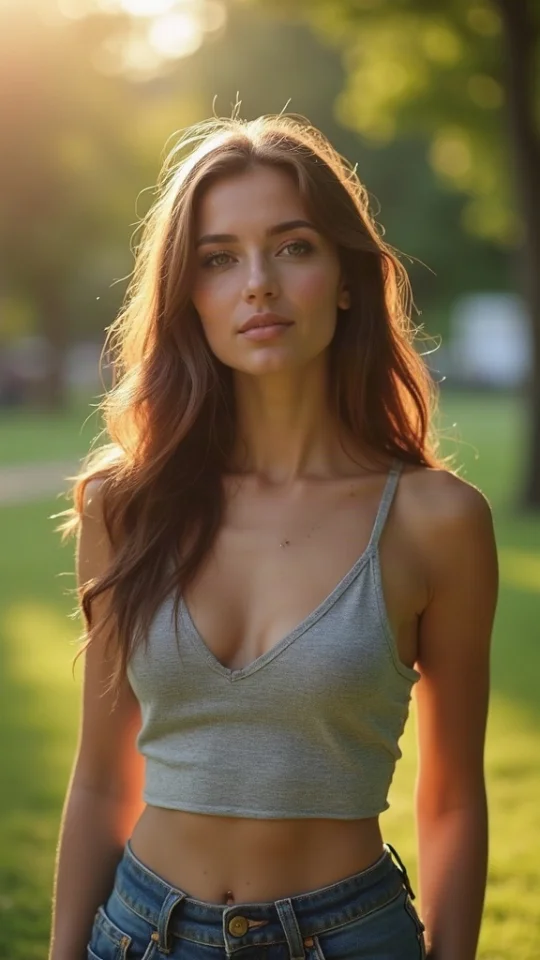
2front view · eye-level · medium shot
Try this workflow →More ways to work
Give the AI models exact reference images to combine or rearrange. We test and curate a choice of the best models for each workflow. See the dated tests.
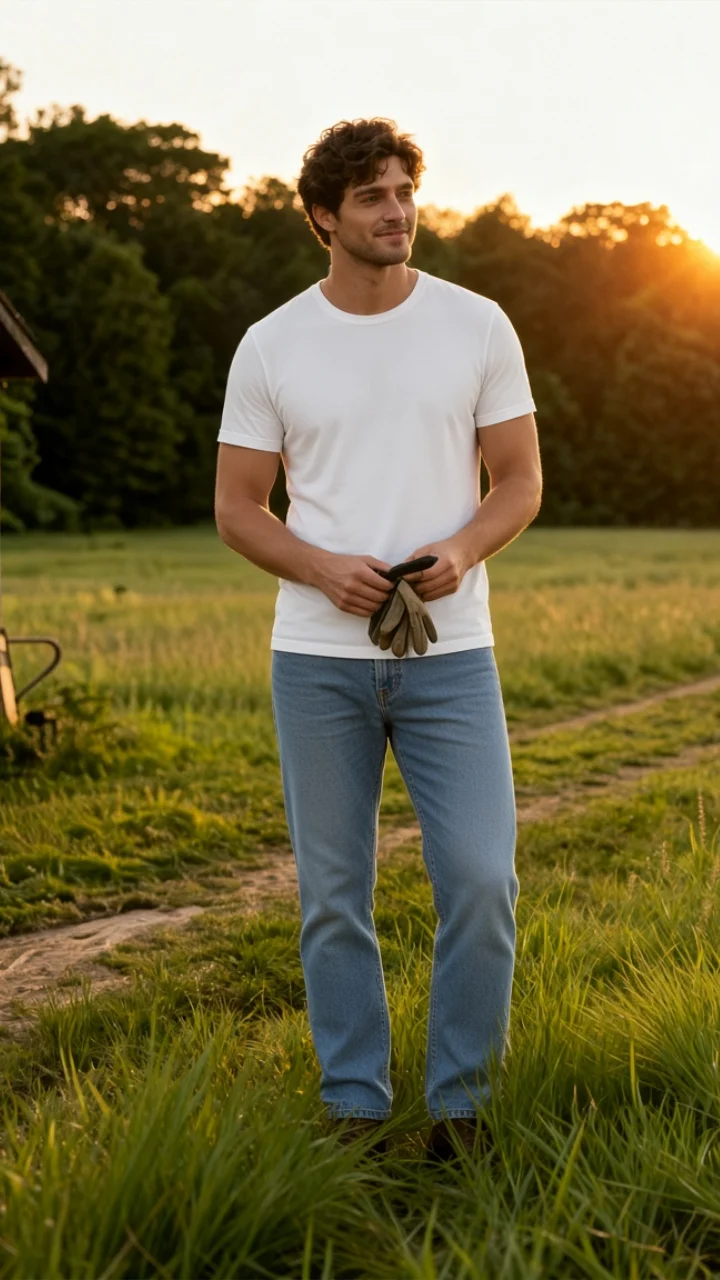
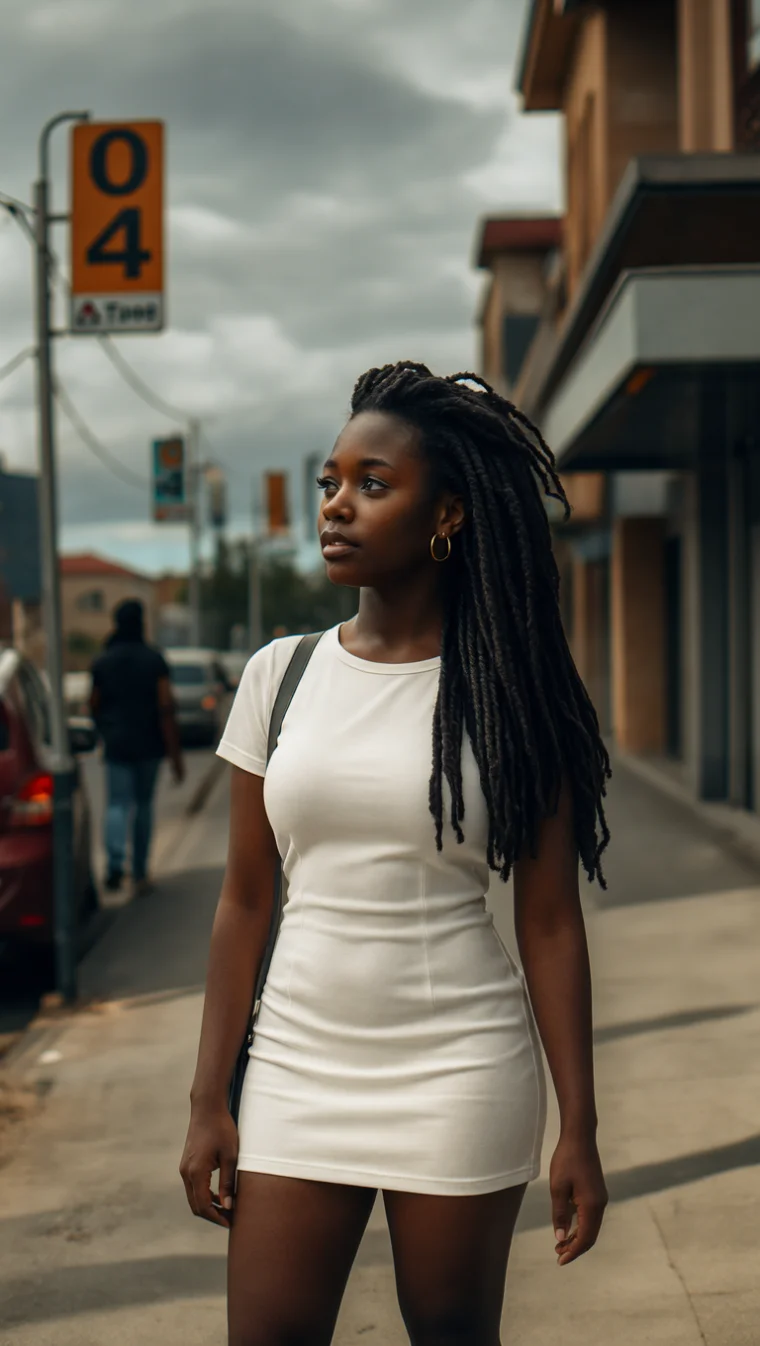
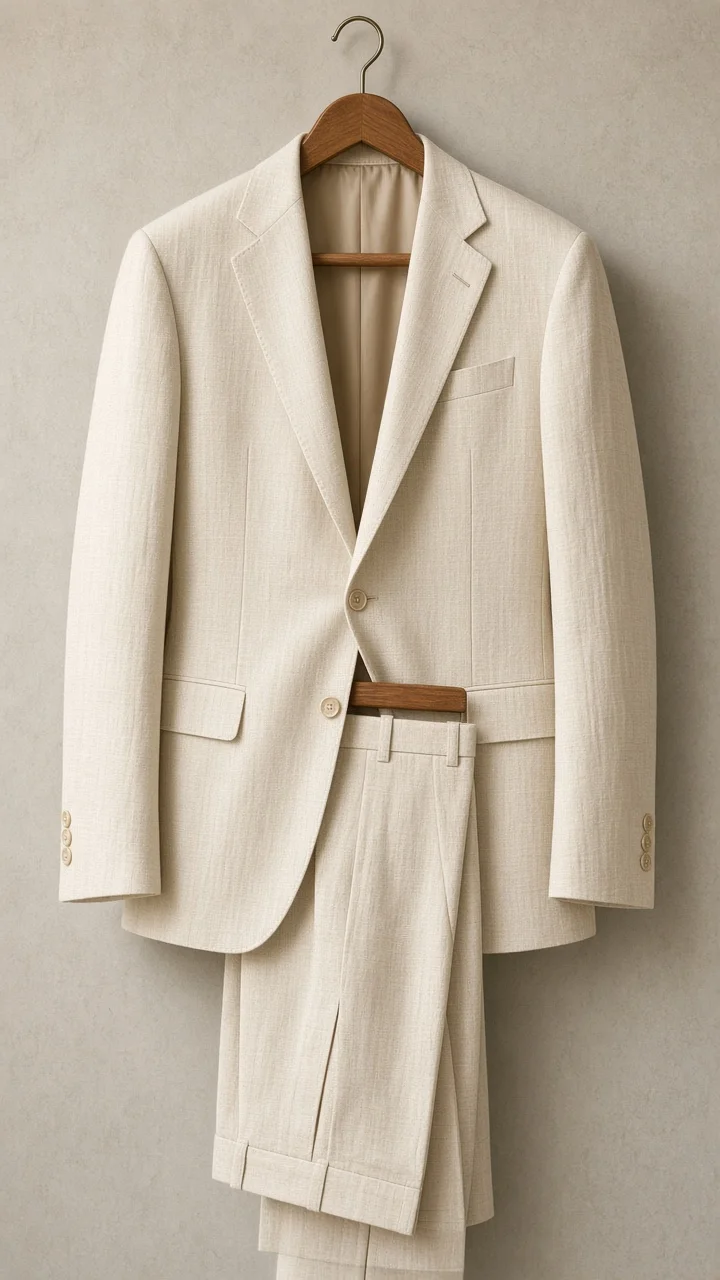
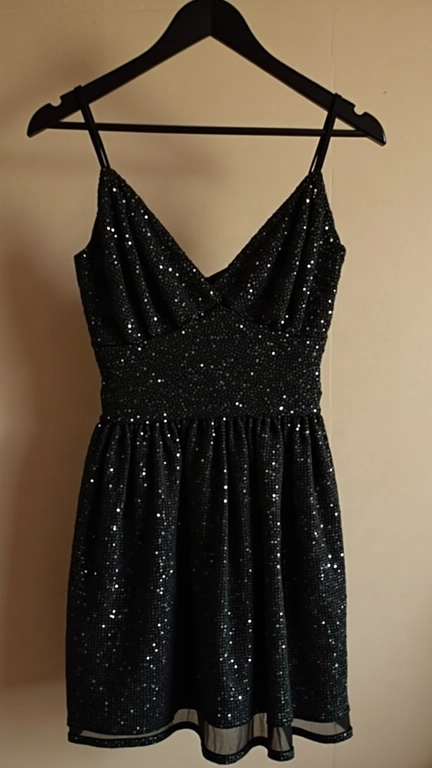
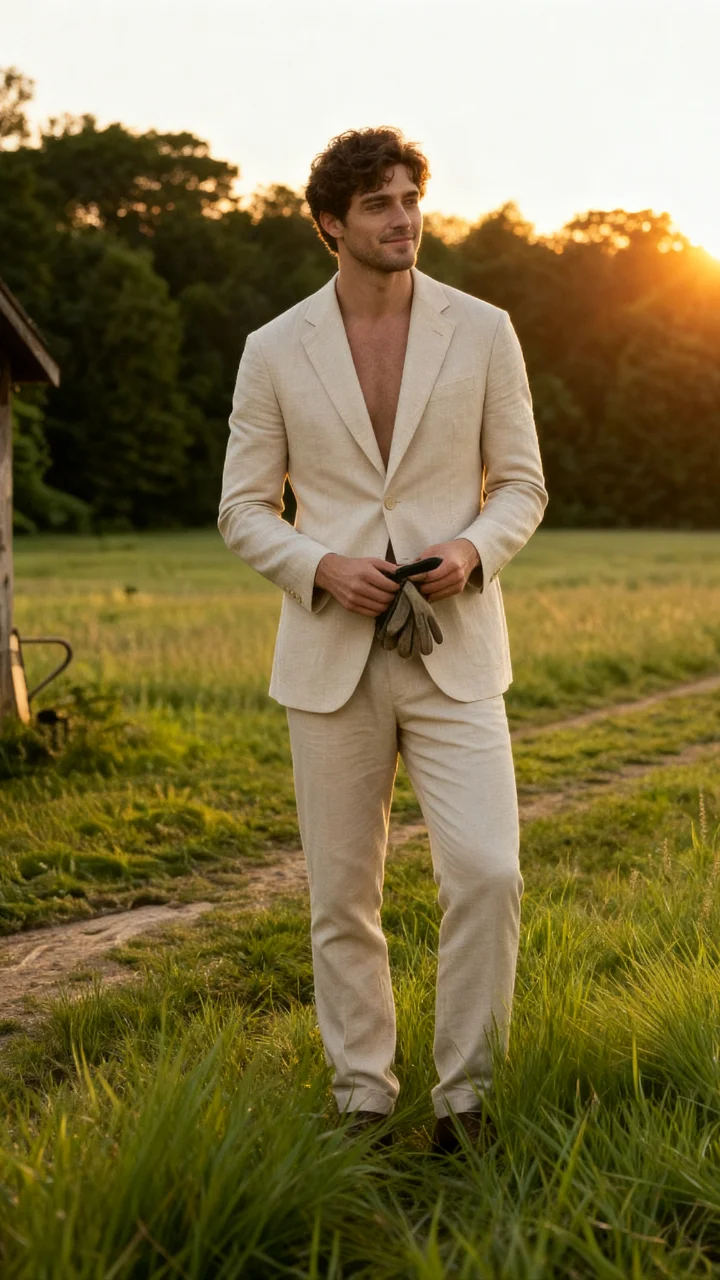
Virtual try-on
Upload an image of the exact garment, while retaining model pose and context.
Try this workflow →+
→
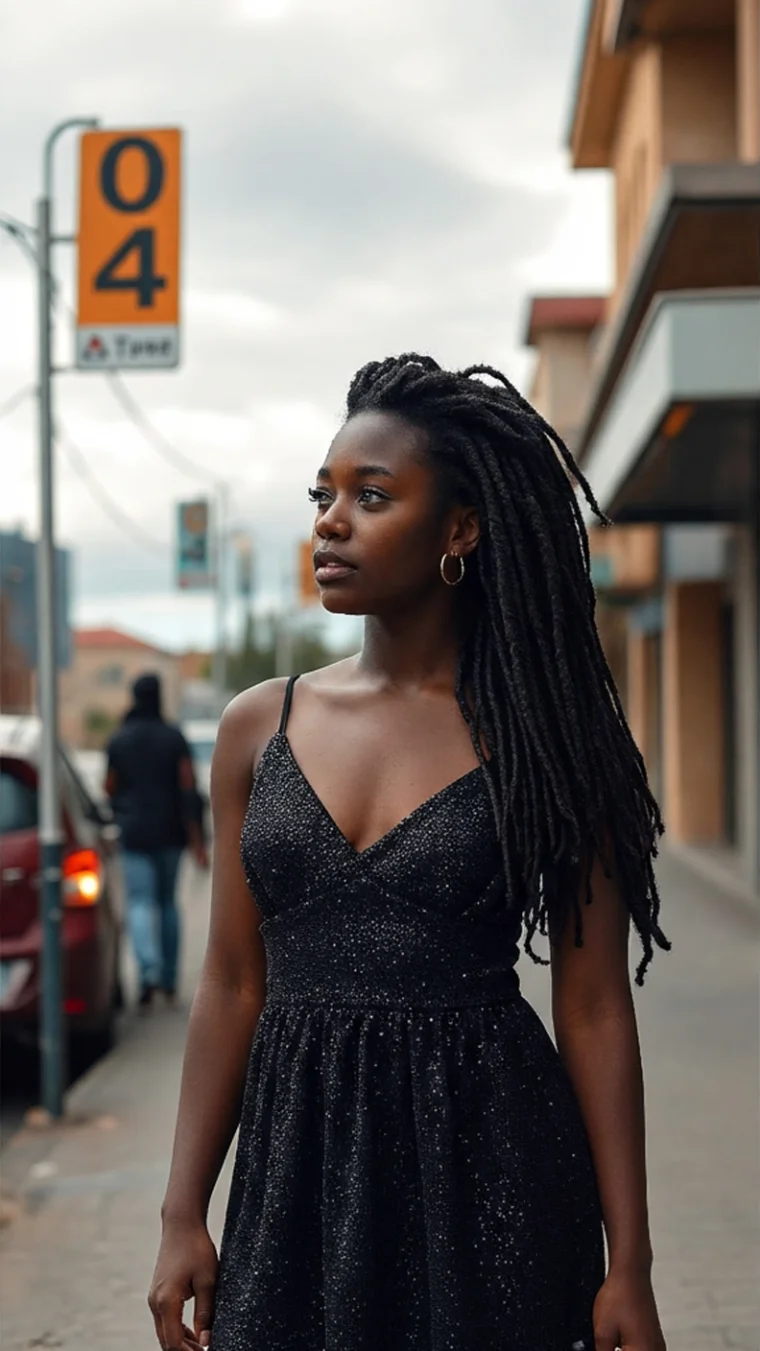
Change outfit
Text-prompt a change of outfit without a reference image of the garments.
Try this workflow →→
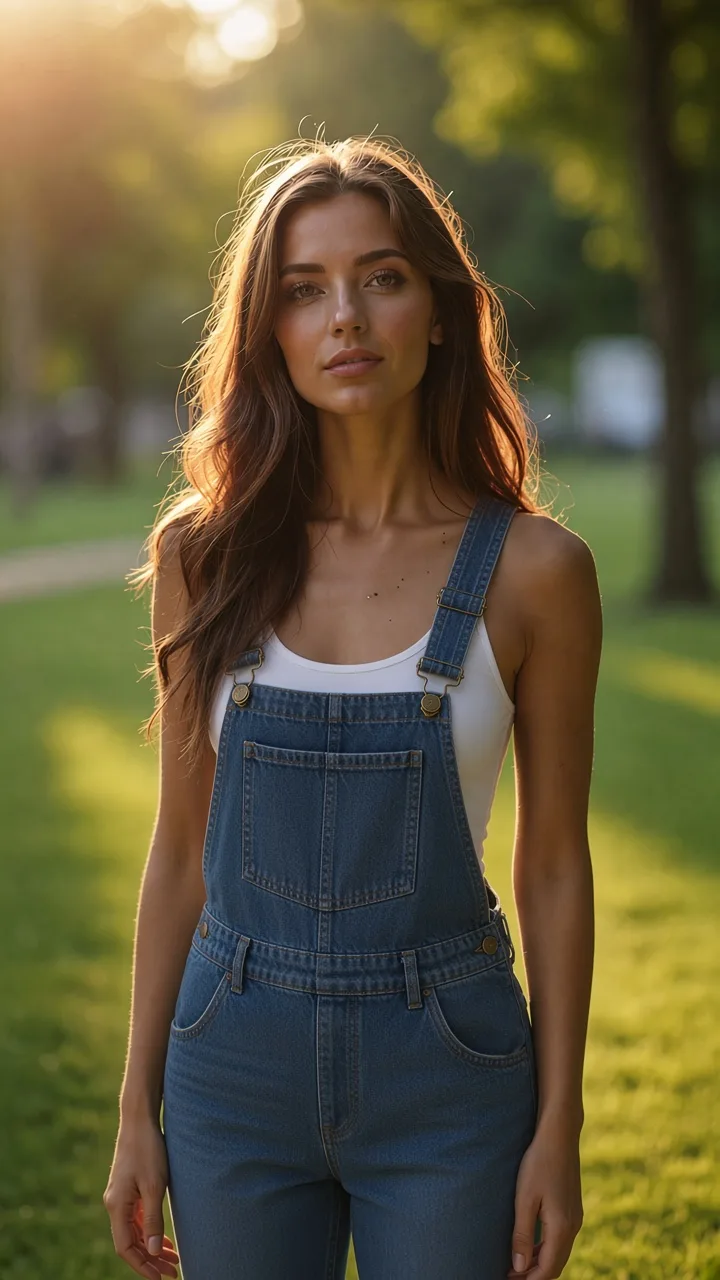
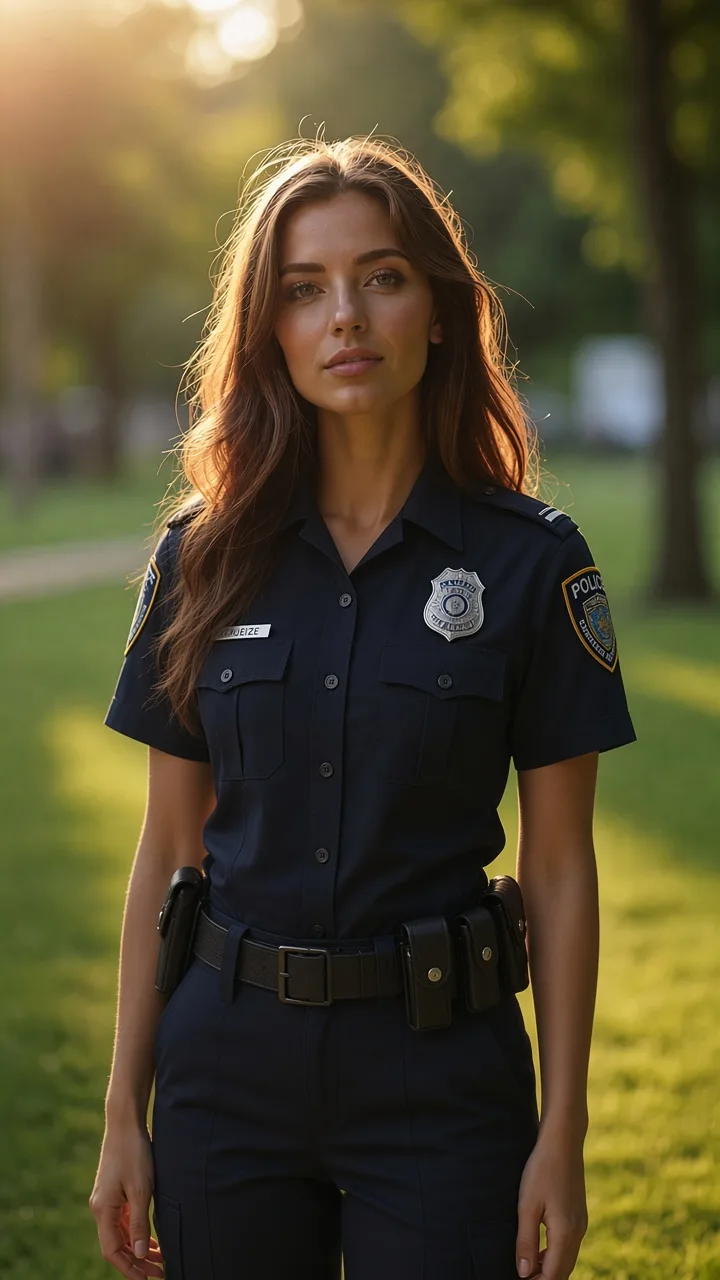
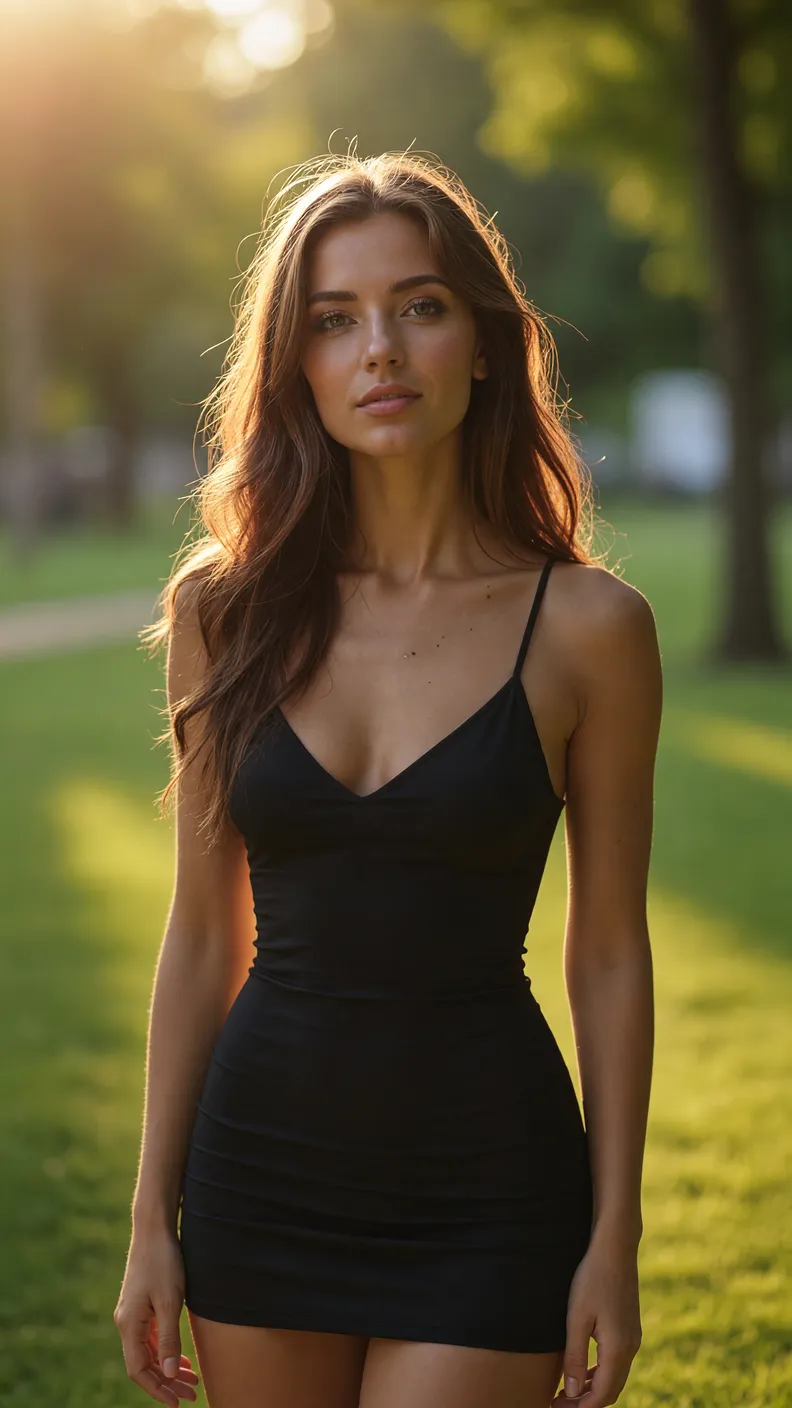
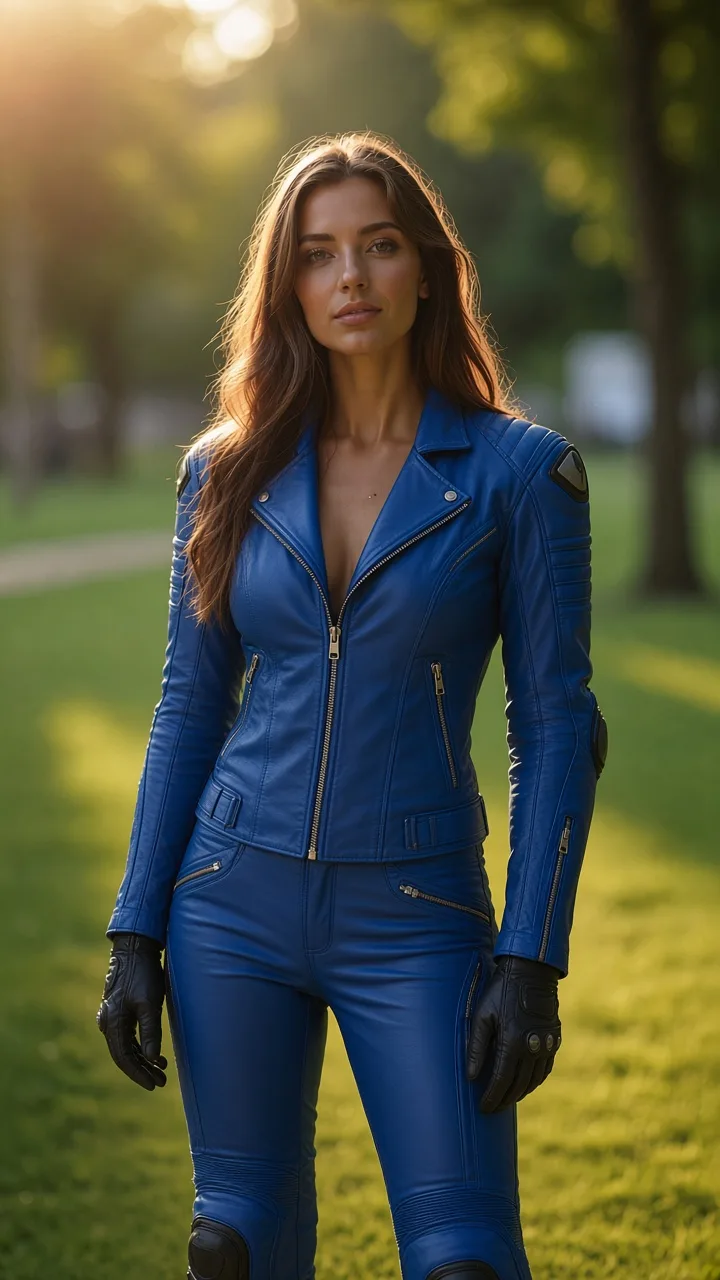
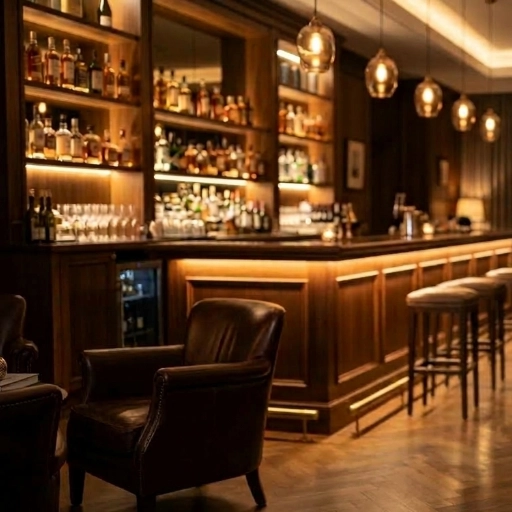
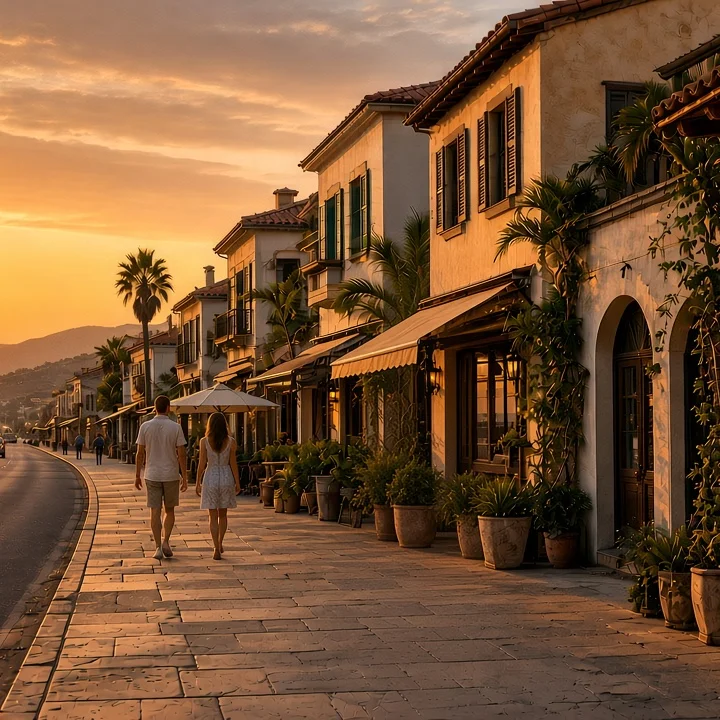
Replace background
Swap the background behind your subject using a reference image.
Try this workflow →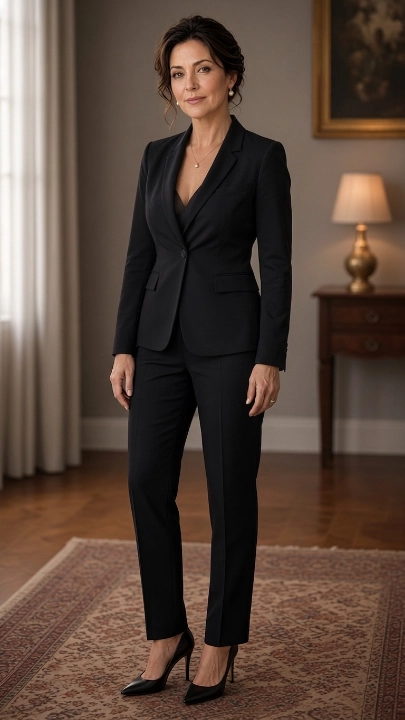
→
Erase object
Remove an object and fill the gap cleanly, matched to the surrounding detail.
Try this workflow →→
Combine elements
Take specific elements from multiple images and combine them into another.
Try this workflow →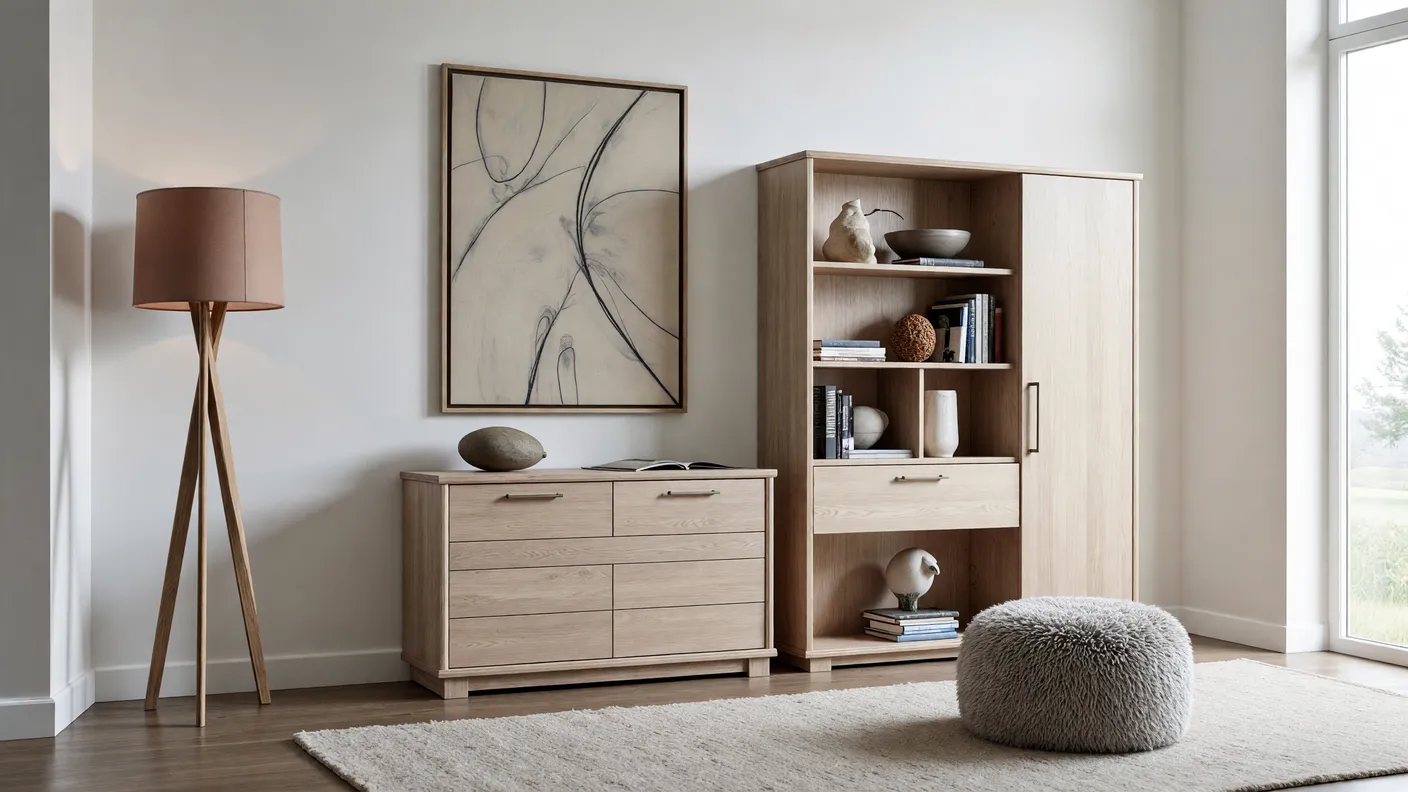
→
→